Every IPTV provider on earth claims 70,000 channels, 4K quality and 99.9% uptime. None of that means anything until the picture is on your TV, on your connection, at your viewing hour. That is what a free trial is for — and it is why you should never pay an IPTV service you have not tested first.
But most people waste their trial. They open it at 2pm on a Tuesday, scroll a channel list for five minutes, see a nice picture, and buy twelve months. Then the first Saturday night arrives, the servers fill up, and the truth arrives with it. This guide shows you how to get a genuine trial in 2026, and exactly what to test so that 24 hours actually tells you something.
Quick takeaways
- A real IPTV free trial needs no credit card — just a way to send you the line.
- Test at peak hour (8–11pm) and during a live match. Off-peak tests prove nothing.
- Check your own channels by name before you look at anything else.
- Run two trials side by side on the same TV, the same evening. It is the only fair comparison.
- Time how fast support replies during the trial — that is the fastest they will ever be.
What an IPTV free trial actually is
A trial is a temporary line — the same username, password or M3U link a paying customer gets, but with a short expiry. You install a player on your device, paste in the credentials, and you are watching within a few minutes. Nothing is charged, nothing is committed, and when the clock runs out the line simply stops working.
The important detail, and the one nobody advertises: a trial on an honest provider runs on the same servers as paid lines. On a dishonest one it runs on a clean, uncrowded “demo” server, which is why the service feels flawless for a day and falls apart in week two. You cannot see which you have got from the outside — but you can ask the question directly, and you can retest on your first paid evening while the refund window is still open.
How to get an IPTV free trial in 2026
It is deliberately simple with anyone worth buying from:
- Message the provider — WhatsApp, Telegram or the contact form. Say which device you will use (Firestick, Samsung TV, Android box) and which country’s channels you want.
- Receive your line — usually an Xtream Codes login (host, username, password) or an M3U URL, within minutes.
- Install a player on the device you will really use. Our setup guide covers every major device in about two minutes each.
- Paste the credentials in and let the channel list load fully before judging anything.
- Start the clock — and plan your test around the evening, not the afternoon.
That is the whole process. If a site makes you create an account, enter a card and tick a box promising to cancel before day three, that is not a free trial. It is a subscription with a trapdoor.
Illustration
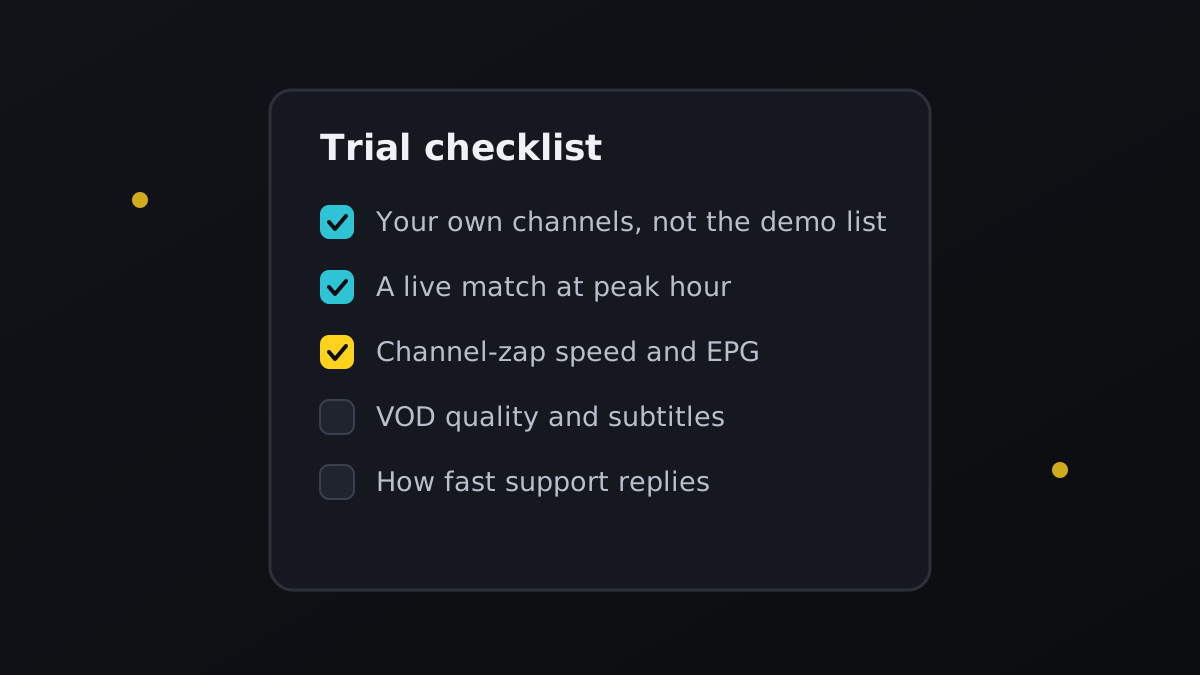
The 7-point trial test
1. Your channels, by name — not the channel count
Open the search box and type the exact names of the five channels you actually watch. Sky Sports, beIN, TNT Sports, DAZN, Canal+, your home country’s national broadcaster — whatever they are. A service with 90,000 channels and none of your five is worse for you than one with 8,000 that has all of them. Do this first, because if it fails, nothing else matters.
2. Peak hour, not lunchtime
Every server on earth is smooth at 3pm. The one that matters is 9pm on a Saturday, when every customer in your timezone is watching at once and the provider’s capacity is genuinely tested. If your trial only covers daylight hours, ask for it to be extended into the evening — a confident provider will say yes immediately.
3. A live match, start to finish
Pre-recorded VOD is easy to serve; live sport is the hardest content there is, because there is no buffer to lean on. Watch at least one half of a live game without touching the remote. Smooth for 45 minutes at peak hour tells you more than every review you have ever read. If it stutters, work through our buffering checklist first so you know whether the fault is theirs or your Wi-Fi’s.
4. Channel-zap speed and the EPG
Flick through twenty channels in a row. Each one should lock on in roughly one to three seconds. If zapping is slow and painful during a trial, it will be worse under full load. While you are there, check the TV guide is actually populated with programme names and times — an empty EPG is a sign of a lazily maintained service, and it never gets fixed later.
5. VOD, subtitles and audio tracks
Open two films and a series episode. Check the picture quality is what was promised, that subtitles exist in your language, and that you can switch audio tracks. A big movie library that is all 720p rips with no subtitles is a headline number, not a feature.
6. Every device in the house
Install the line on the living room TV, a phone and a tablet. Two things to learn here: whether playback works everywhere, and how many simultaneous connections the line allows. Most plans are one or two screens. If your household regularly watches on three TVs at once, find that out during the trial, not on Christmas Day.
7. Support response time
Send one real question — “can you add this channel?”, “is there a backup feed for this one?”. Time the reply. During a trial you are a prospect, so the answer comes fast; that is their best-case speed. Slow, vague or automated replies now mean silence when you are a paying customer with a dead channel at kickoff.
Trial red flags: when to walk away immediately
Illustration
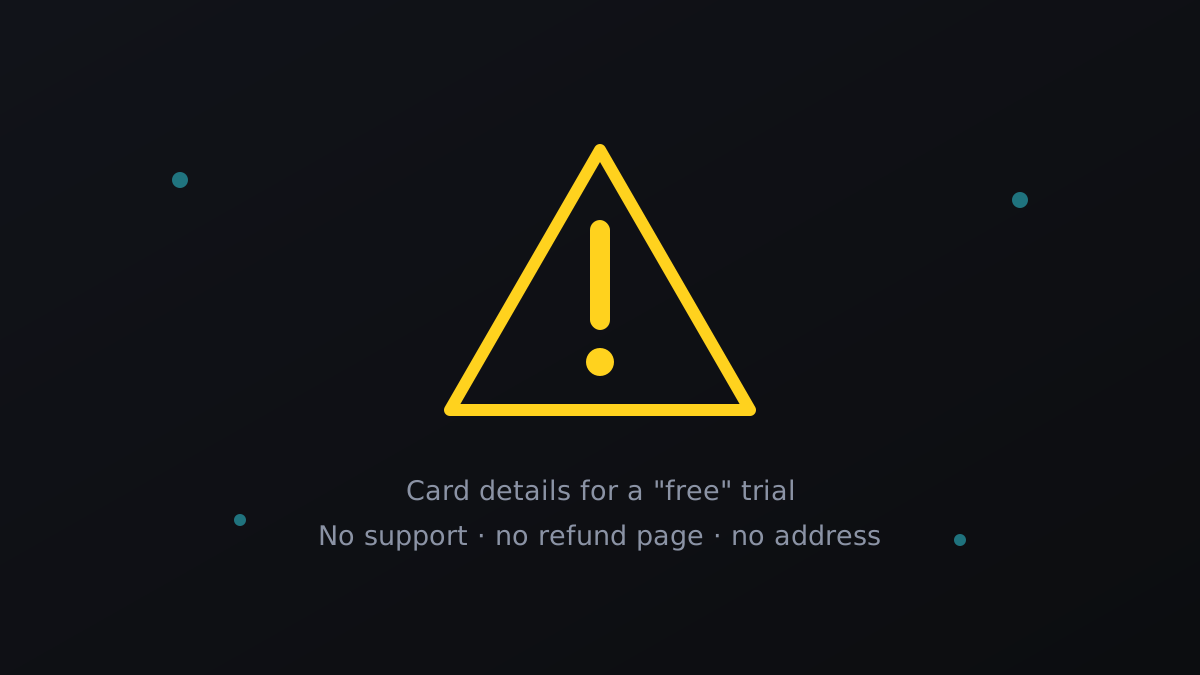
- Card details required to “activate” the free trial. No legitimate IPTV trial needs a payment method. This is the single biggest red flag there is.
- “Trial servers are different from paid servers.” Said out loud, it is an admission. Said as an excuse afterwards, it is damage control.
- Pressure during the trial. Countdown timers, “3 spots left”, lifetime deals expiring in an hour. Good services do not need theatre.
- No refund policy anywhere on the site. A provider confident in their servers publishes one. Ours is on our refund policy page.
- Lifetime subscriptions. Server capacity is a monthly cost; a one-off payment cannot fund it forever. “Lifetime” means the lifetime of the reseller, which is often short.
- Support that vanishes after the trial link is sent. Test this before you pay, not after.
Compare two trials, not one
Illustration
A single trial only tells you “acceptable” or “not acceptable”. Two trials running on the same TV, on the same evening, on the same match tell you which is better — and that difference is invisible any other way. Most players let you store several playlists side by side, so you can flip between providers in seconds during the same game.
If you want a second and third line to test against ours, our sister services are genuinely worth including in the comparison: IPPlayTV runs high-uptime servers with strong sports coverage, and TrendyScreen is a solid option if you want to judge picture quality on your own connection. An hour of side-by-side testing beats a week of forum reading.
One more name worth putting through the same side-by-side test is StrimoIPTV, which sets its trial up on WhatsApp without asking for a card. Its StrimoIPTV free trial guide lists six things to check while the line is running, and they line up well with the 7-point test above.
How long should a trial be?
| Trial length | What it proves | Verdict |
|---|---|---|
| 1–2 hours | The line works and channels load | Too short to judge load |
| 6 hours | One evening session, if timed right | Workable minimum |
| 24 hours | Peak hour, a live match, every device | The sweet spot |
| 7 days free | Often a different server than paid lines | Ask why it is so generous |
Twenty-four hours is the honest standard: long enough to cover one full peak evening, short enough that providers can offer it to everyone without giving away free service. Be a little suspicious of very long free periods — trials cost real bandwidth, and a week of it free usually means the trial is not running where the paid customers are.
After the trial: the first paid week still matters
Passing the trial is not the end of the test. Buy the shortest plan available first — one month, never twelve — and repeat points 2, 3 and 7 on your first paid Saturday. If it holds up, then upgrade to a longer term and take the discount. A provider worth a year of your money will still be there in thirty days; one that is not will have shown you by then.
Keep the refund policy to hand, note the date you paid, and do not let a “buy 12 months, get 6 free” offer talk you out of a one-month first purchase. That discount exists precisely because long commitments protect the seller, not you.
The bottom line
An IPTV free trial is the only honest information you will ever get about a service — everything else is marketing. Get a line with no card details, test your own channels first, watch a live match at peak hour, check every device, and time how fast support answers. Then start with one month, not one year.
If you would like to run that test on us tonight, we will send you a trial line in a few minutes — no card, no account, no pressure. Look at the channel list to confirm your channels are there, check the plans so you know what happens after, and judge us on a live match rather than a promise.
Frequently asked questions
With a serious provider, yes — it is a short-lived line with no payment attached and nothing to cancel. If a site asks for card details to start a “free” trial, that is a subscription with a delay, and you should treat it as one.
Most run between 3 and 24 hours. Twenty-four is the useful length, because it is the only one that guarantees you can watch during peak evening hours — the single load test that actually matters.
No. A real trial needs nothing more than a way to send you the line — a WhatsApp number or an email address. Never enter payment details to activate a free trial.
Normally one per person, which is fair — trials consume the same server capacity as paid lines. That said, if something on their side stopped you testing properly, most providers will extend it if you simply ask.
Seven things: your own channels by name, peak-hour stability, a full live match, zapping speed and the EPG, VOD quality with subtitles, playback on every device, and support response time. In that order.
On an honest provider, yes — trials run on the same servers as paid lines. Ask that question directly before paying, buy one month first, and repeat the peak-hour test on your first paid weekend while the refund window is open.
The one you will actually watch on. A trial that looks perfect on your laptop proves nothing about your living-room TV. Our Smart TV guide and Firestick guide get you set up in minutes.
If you want to run this checklist on a real line today, our own 24-hour trial is the full premium service with no card and no commitment — and if sport is what you are testing for, take it on a night when something big is on.