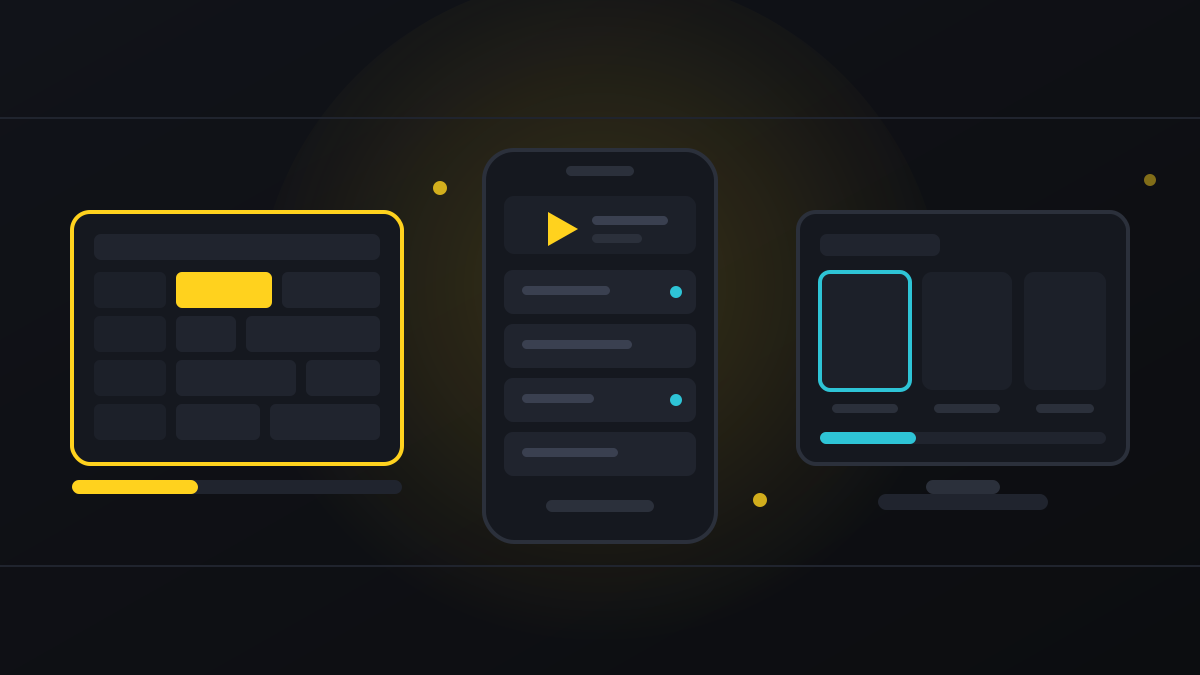
Your subscription is three lines of text. The thing you actually look at every night is the player app, and the difference between a good one and a bad one on the same line is the difference between a TV you enjoy and a TV you fight with.
There are dozens of players. Three of them account for almost everyone: TiViMate, IPTV Smarters Pro and IBO Player Pro. This is what each is genuinely good and bad at, which device each belongs on, and which one to install first.
Quick takeaways
- TiViMate — the best experience by a distance, Android only, best features are paid.
- IPTV Smarters Pro — runs on everything, free, the safe default.
- IBO Player Pro — the answer for Samsung and LG Smart TVs, small one-off fee.
- The app does not change your channel list. Same line, same channels, different remote control.
- Install two. When something misbehaves, testing the second one tells you instantly whose fault it is.
TiViMate — the best one, if your device can run it
Runs on: Android TV, Fire TV and Firestick, Android boxes, NVIDIA Shield. Not on iOS, not on Samsung or LG’s own operating systems, not on Windows.
TiViMate is built by people who clearly watch television. The programme guide is a proper grid you navigate with a remote, exactly like a cable box: channels down the side, time across the top, press right to see what is on at nine. Channel switching is close to instant because it keeps the previous stream warm. Groups can be reordered, renamed, merged and hidden. Favourites are a single button. The picture-in-picture window lets you keep one match running in the corner while you scroll the guide for another.
The premium version, around $10 a year, adds multiple playlists, recording to the device, picture-in-picture and scheduled reminders. The free version is usable but the guide is where most of the value sits, and the guide is much better in premium.
Good: the best EPG of any IPTV player, fastest channel switching, deep customisation, recording, picture-in-picture.
Bad: Android only, the best parts are paid, and the settings menu is genuinely deep — the first twenty minutes involve some reading.
Verdict: if you are watching on a Firestick or an Android box, install this and stop looking.
IPTV Smarters Pro — the one that runs everywhere
Runs on: Android, Android TV, Firestick, iOS, iPadOS, Apple TV, Windows, macOS. Effectively everything except Samsung and LG’s native systems.
Smarters is the default for a reason: it is free, it takes an Xtream Codes login in about thirty seconds, and it works the same way on every platform. Live TV, films and series each get their own tab, the on-demand sections show posters and descriptions, and there is a built-in catch-up view on channels that support it.
The guide is a list rather than a grid, which is fine for browsing and less good for planning an evening. Channel switching is a beat slower than TiViMate. The interface is busier. None of that matters much until you have used TiViMate, at which point you notice all three.
Good: on every platform, free, simple setup, sensible on-demand browsing, external player support.
Bad: list-style guide, slower switching, cluttered layout, and the app-store versions vary in quality because several near-identical clones exist.
Verdict: the right first install on any device, and the only real choice on iPhone, iPad, Apple TV, Windows and Mac. Our setup guide covers it platform by platform.
IBO Player Pro — the Smart TV answer
Runs on: Samsung Tizen, LG webOS, Android TV, Firestick.
Samsung and LG do not run Android, so TiViMate is not an option and Smarters is awkward to get onto them. IBO Player exists for exactly this gap and it is the reason most Samsung and LG owners end up using it.
The setup is different from the other two and catches people out. IBO does not ask for a username and password. It shows you a MAC address and a device key; you send those two values to your provider, the provider attaches your playlist to that specific device, and you reload the app. It costs a small one-off fee — usually a few dollars, once, per device — paid to the app’s developers rather than to your IPTV service.
Good: installs from the Samsung and LG stores with no sideloading, clean interface built for a TV remote, one-off cost rather than a subscription.
Bad: the MAC-and-key setup needs the provider to act, the fee is per device, and the guide is basic next to TiViMate’s.
Verdict: the correct choice on a Samsung or LG TV. Our Smart TV guide walks the whole process.
Side by side
| TiViMate | IPTV Smarters Pro | IBO Player Pro | |
|---|---|---|---|
| Android / Firestick | Yes | Yes | Yes |
| iPhone / iPad / Apple TV | No | Yes | No |
| Samsung / LG native | No | Awkward | Yes |
| Windows / Mac | No | Yes | No |
| Grid programme guide | Best in class | List style | Basic |
| Channel switching | Near instant | Good | Good |
| Recording | Yes (premium) | No | No |
| Picture-in-picture | Yes (premium) | No | No |
| Setup method | Xtream / M3U | Xtream / M3U | MAC + key |
| Cost | Free, ~$10/yr premium | Free | Small one-off |
Which one for your device
- Firestick or Fire TV — TiViMate. Smarters as the backup.
- Android TV box or NVIDIA Shield — TiViMate.
- Samsung or LG Smart TV — IBO Player Pro.
- iPhone, iPad or Apple TV — IPTV Smarters Pro.
- Windows or Mac — IPTV Smarters Pro, or VLC for a quick test.
- MAG or Enigma2 box — neither; these use their own portal and your provider configures it.
Three settings worth changing on day one
Hide the groups you will never open. Every player can hide country groups. Turning off the fifty countries you do not speak the language of is the difference between an overwhelming list and a usable one, and it takes two minutes.
Raise the buffer slightly. Every player has a buffer size in its playback settings. Nudging it up trades a fraction of a second of channel-change delay for noticeably steadier playback on a busy connection.
Flip hardware decoding if a channel stutters. Most players offer hardware and software decoding. Some devices handle particular codecs badly in one mode and perfectly in the other. If a single channel stutters while others are fine, try the other mode before you blame the service.
Install a second player. Always.
This is the most useful habit in IPTV and it costs nothing. Keep two apps installed with the same line in both. When a channel misbehaves, open it in the second app. If it is smooth there, the problem is the first app and you reinstall it. If it stutters in both, the problem is the connection or the feed, and you send the channel name to support instead of spending an hour on settings.
That one test replaces most troubleshooting. The rest of it is in our buffering guide.
The bottom line
Install IPTV Smarters Pro first because it works everywhere and takes thirty seconds. If you are on Android or a Firestick, install TiViMate as well and you will almost certainly stop using Smarters except as a test. If you are on a Samsung or LG TV, IBO Player is the one that will actually run.
None of it changes your channel list — the line-up is the same whichever app you open. It only changes how pleasant it is to get to it.
Frequently asked questions
TiViMate, if your device runs Android or Fire OS. Its grid programme guide, channel-switching speed and customisation are ahead of everything else. On iOS, Windows and Mac the answer is IPTV Smarters Pro; on Samsung and LG Smart TVs it is IBO Player Pro. The setup guide covers each.
There is a free version and a premium version at roughly $10 a year. The free one plays everything; premium adds multiple playlists, recording, picture-in-picture, reminders and the better guide layout.
No. TiViMate is Android and Fire OS only. Use IPTV Smarters Pro on iPhone, iPad and Apple TV, and IBO Player Pro on Samsung Tizen and LG webOS — see our Smart TV guide.
IBO ties a playlist to a specific device rather than to a username. The app shows a MAC address and a device key; you send both to your provider, they attach your line to that device, and you reload the app. It is one extra step, once.
No. The channel list, the programme guide and the on-demand library all come from your subscription line — see what is in the tivo8k line-up. The app only changes how it is presented.
Not necessarily. IPTV Smarters Pro is free and covers every platform. TiViMate premium is about $10 a year and IBO Player is a small one-off fee per device — both paid to the app developers, not to your IPTV provider.
Yes. Keeping a second app with the same login is the fastest diagnostic there is: if a channel is smooth in the second app, the first app is at fault; if it stutters in both, it is the connection or the feed. More in the buffering guide.
Related reading
What the 70,000 channels really contain, how fast activation is, what match nights look like, and…
What is carried, the ten-minute setup that prevents match-night buffering, and what to do when a…